 Aster
Aster
Aster hidden orders and limit-order privacy
Updated -
Aster hidden orders conceal a perpetual limit order's price, size, and presence from the public order book. You can inspect the instruction in your own account, and Aster's matching system uses it alongside other liquidity. Positions opened through this feature also receive Hidden Position protection from public portfolio data. The hidden setting controls visibility; the limit price governs execution. An accepted order can remain unfilled, so private fill records establish whether the intended trade actually occurred.
Choose between a hidden limit and a market order
A hidden limit order suits an instruction with a price boundary that you want to keep out of displayed market depth. A market order seeks immediate execution against available liquidity, with a fill price that reflects the book at execution. Selecting Hidden Order in Aster Pro makes the instruction a limit order. The choice depends on whether matching can wait for an acceptable price or whether immediate execution takes priority over a specified limit.
Who can see a hidden order and its position?
Public order-book viewers cannot see the hidden instruction; the owner can inspect it through the account's private Open orders view.
Hidden Position extends privacy to positions opened through hidden orders, whose size, direction, and profit and loss stay out of public data feeds and portfolio analytics even though the trader's own account continues to show the resulting exposure.
The matching system uses the complete order and position when applying execution and risk rules. Concealment does not reduce the size that the system matches or the exposure that supports its margin calculations. An authenticated account connection can access private trading records within its authorization scope.
Public trade information and an account's position information describe different objects. Market trade feeds report transaction prices and quantities. Those prints do not, by themselves, reveal a trader's complete position, entry history, or liquidation level.
Iceberg exposure and separate matching pools
Aster's hidden-order model conceals the entire resting instruction while keeping it within the main matching system. Hidden orders share liquidity with other orders in Aster's existing order book. The undisplayed instruction can meet incoming liquidity without first broadcasting a resting quote.
| Execution model | Pre-trade display | Matching liquidity |
|---|---|---|
| Aster hidden order | Resting price, size, and presence concealed | Shares the existing order book |
| Iceberg order | A slice is visible; the remainder is concealed | Uses an order book with partial public disclosure |
| Separate dark pool | Orders concealed from public depth | Uses a separate matching pool |
A visible iceberg slice reveals interest at a price even though it conceals total size. A separate dark pool changes where matching occurs and which liquidity is available. The iceberg and dark-pool rows describe general market models, with availability determined by the chosen venue.
Does hiding an order guarantee a complete fill?
A hidden limit order requires matching liquidity at an acceptable price, so concealment does not guarantee complete execution. A buy limit sets the highest acceptable purchase price, and a sell limit sets the lowest acceptable sale price; a chart touching either boundary does not establish that enough matching liquidity reached the instruction to fill its requested quantity.
Displayed depth describes the visible portion of resting liquidity. Hidden interest can participate in matching without adding a visible quote, so a public depth snapshot does not describe every available instruction. The account's execution records show actual fills. Price observations and fill quantities answer different questions, especially when several orders compete for liquidity around the same level.
Hidden-order controls and private fill records
Interface compatibility determines whether the intended instruction is actually hidden. Aster Pro exposes a Hidden Order checkbox for limit orders. Futures V3 represents hidden visibility through its time-in-force setting. A trading client therefore needs to submit that setting; concealing an order row within the client's own screen does not change the instruction sent for matching.
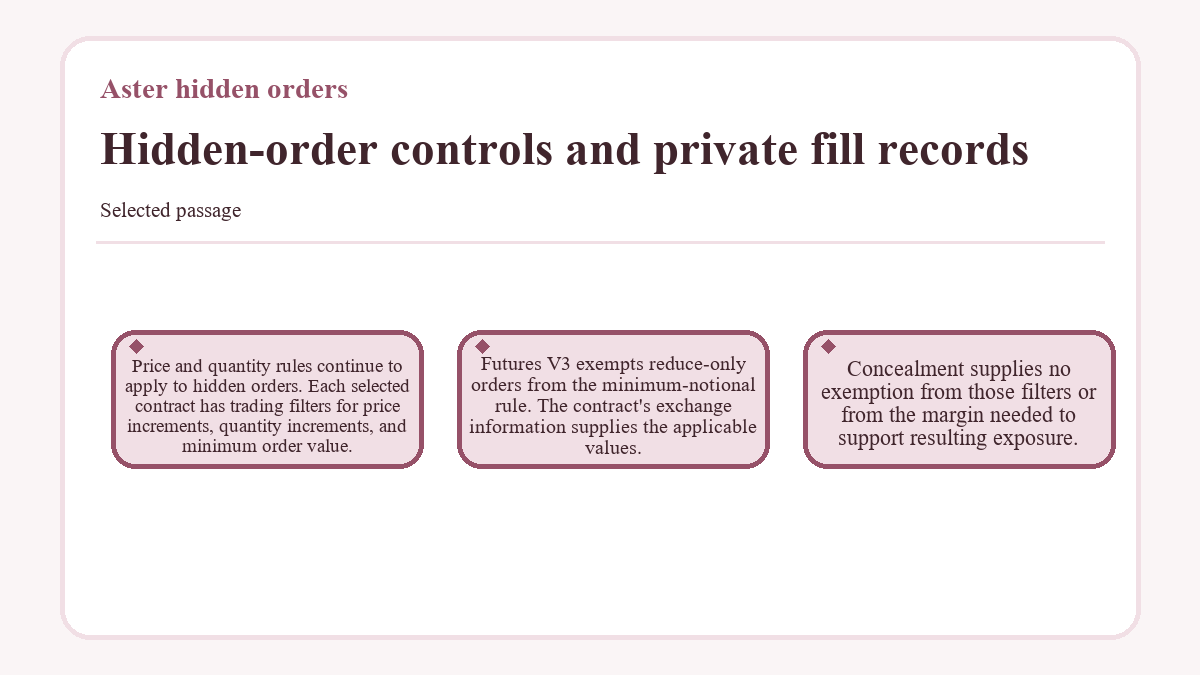
Price and quantity rules continue to apply to hidden orders. Each selected contract has trading filters for price increments, quantity increments, and minimum order value. Futures V3 exempts reduce-only orders from the minimum-notional rule. The contract's exchange information supplies the applicable values. Concealment supplies no exemption from those filters or from the margin needed to support resulting exposure.
An accepted, unfilled instruction appears in Open orders with the not-visible icon. Execution changes the relevant position and creates a fill record. An order identifier identifies the instruction. A submission acknowledgment does not establish that the requested quantity traded, and an empty public-book search does not establish rejection.
Futures V3 order updates distinguish the latest fill quantity from the cumulative filled quantity. They also report execution price and order status. Together, those fields show whether an instruction remains open, has partially filled, or has finished. The position view supplies the remaining exposure, which can differ from the original requested order quantity.
Partial execution, cancellation, and margin
A confirmed cancellation stops further matching of an unfilled order or its remaining quantity; it does not reverse completed trades. A partially filled hidden order can therefore leave a position after cancellation. A voluntary close requires an exit instruction compatible with the position mode. Order cancellation and position reduction change different account objects.
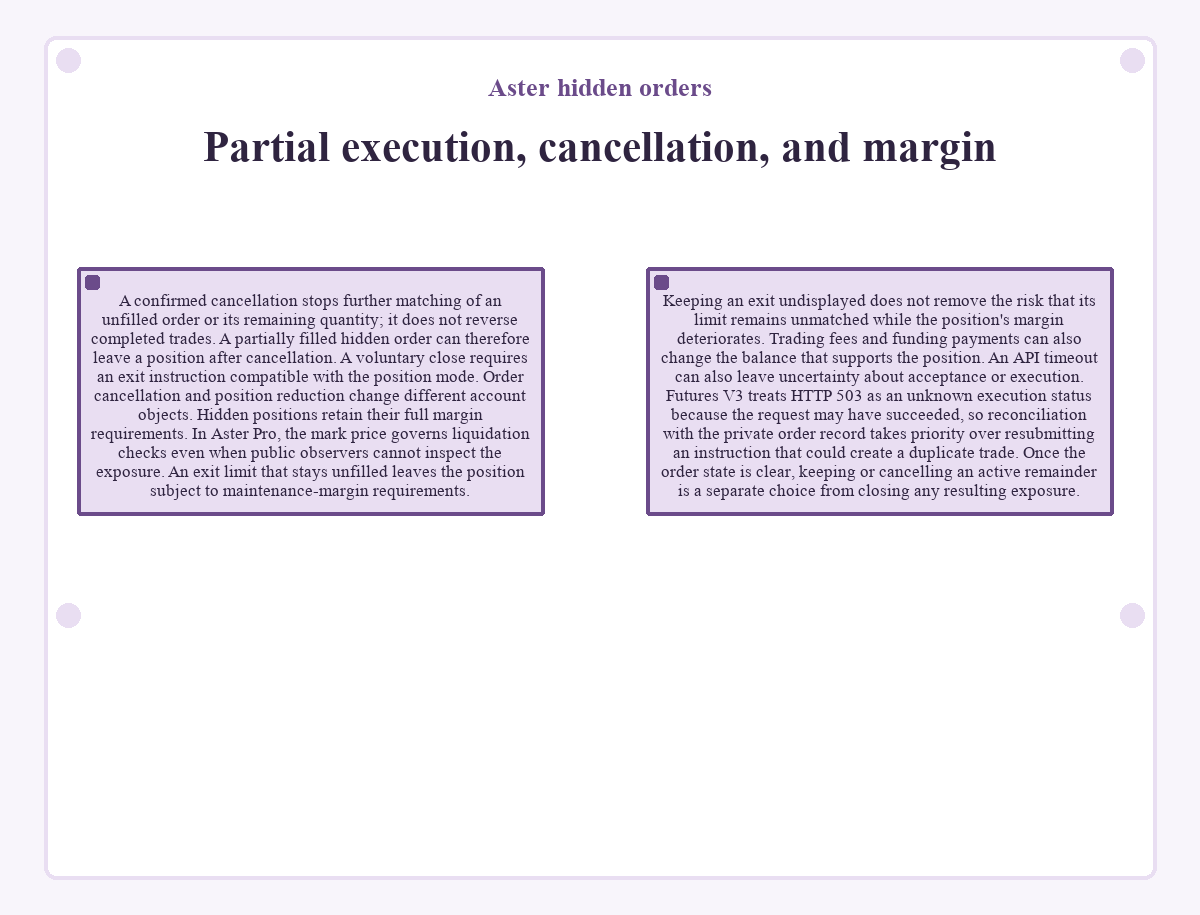
Hidden positions retain their full margin requirements. In Aster Pro, the mark price governs liquidation checks even when public observers cannot inspect the exposure.
An exit limit that stays unfilled leaves the position subject to maintenance-margin requirements. Keeping an exit undisplayed does not remove the risk that its limit remains unmatched while the position's margin deteriorates. Trading fees and funding payments can also change the balance that supports the position.
An API timeout can also leave uncertainty about acceptance or execution. Futures V3 treats HTTP 503 as an unknown execution status because the request may have succeeded, so reconciliation with the private order record takes priority over resubmitting an instruction that could create a duplicate trade. Once the order state is clear, keeping or cancelling an active remainder is a separate choice from closing any resulting exposure.
Aster hidden orders: questions and answers
Which Futures V3 fields request a hidden limit order?
Futures V3 requests a hidden limit order with type set to LIMIT and timeInForce set to HIDDEN. The limit instruction also requires price and quantity.
Can a hidden limit order also use Post Only through Futures V3?
Futures V3 lists HIDDEN and GTX, its Post Only setting, as separate values of timeInForce. A single field takes one value, so choosing HIDDEN does not also request GTX. Post Only rejects an instruction that would immediately take existing liquidity; the hidden setting concerns public order-book visibility.
Do hidden perpetual trades avoid trading fees or funding?
The applicable fee schedule still governs hidden trades, and an open perpetual position can generate funding payments. Fees reflect the contract category, account tier, and maker or taker execution. Funding uses the selected contract's rate and interval, with participation determined by whether the position is open for its settlement.
Is the Hidden Order feature supported in Aster's mobile app?
Hidden orders are supported in Aster's mobile app. The feature reached the app in the week beginning 7 July 2025, after its introduction to the Pro perpetual interface.
Does a hidden limit order need a stop-price trigger?
A hidden limit order selected through Aster Pro does not need a separate stop-price trigger. It matches when compatible liquidity satisfies its limit. A stop-limit instruction has a different activation condition: its stop threshold first triggers a limit order. Concealment and conditional activation describe different order properties.
Why is an old cancelled hidden order missing from a Futures V3 query?
A Futures V3 order query omits cancelled or expired orders when they have no filled trades and more than seven days have passed since creation. Those conditions apply together. This query-retention rule concerns old, unfilled instructions; absence from the response does not establish that a position was closed.
Are reduce-only hidden exits compatible with every position mode?
Futures V3 does not accept the reduceOnly parameter in Hedge Mode. Hedge-mode orders require LONG or SHORT in positionSide, whereas One-way Mode defaults to BOTH. An exit instruction must match its account's position mode; the hidden setting does not resolve a side or parameter mismatch.
Do ordinary Futures V3 hidden-order requests require a completed deposit?
Ordinary authenticated Futures V3 order and account requests require the main wallet linked to the Aster account to have completed a deposit. This restriction took effect on 7 September 2026 at 00:00 UTC. The exceptions cover public market data and Agent Wallet and Builder management endpoints for creation, queries, updates, and deletion, plus Builder approval.